
CAN vs RS485 for Solar Batteries: A Field Checklist for Inverter Compatibility
Technical note: This article is written for buyers and installers who have already seen the phrase "CAN/RS485 supported" on a battery datasheet, but still need to know whether a battery and inverter will actually work together on site.
In solar storage, communication problems rarely look dramatic at first. The battery powers on. The inverter powers on. The voltage looks reasonable. Then the installer notices that state of charge is wrong, charging current is limited, alarms do not appear, or the inverter refuses to leave standby mode.
Most of the time, the issue is not the cable alone. It is the protocol, the inverter setting, the BMS firmware, or the assumption that "CAN" and "RS485" mean the same thing across all brands.
1. What CAN and RS485 actually do in a battery system
CAN and RS485 are communication paths. They allow the battery management system and inverter to exchange operating data. That data can include state of charge, voltage, current, temperature, alarm status, charge limits and discharge limits.
The physical port matters, but it is only the first layer. The inverter also needs to understand the message format used by the battery. Two products can both have CAN ports and still fail to communicate if the protocol mapping is different.
| Item to check | Why it matters |
|---|---|
| Port type | CAN, RS485 or RS232 must match the inverter requirement. |
| Pin definition | A cable that fits physically may still be wired incorrectly. |
| Protocol name | Brand protocol support matters more than the port label. |
| Inverter menu setting | Many hybrid inverters require selecting the battery brand or protocol. |
| BMS firmware | Protocol support may depend on firmware version. |
2. Why compatibility claims fail
The most common mistake is treating a datasheet checkbox as a tested pairing. A battery page may say CAN and RS485. An inverter manual may list lithium battery communication. That still does not prove the exact battery BMS firmware and exact inverter firmware have been tested together.
Compatibility can fail for simple reasons:
- the cable pinout is reversed;
- the inverter uses a different baud rate;
- the wrong battery protocol is selected in the inverter menu;
- the BMS address is not set correctly for parallel units;
- the inverter firmware is older than the supported version;
- the battery sends alarms the inverter does not recognize.
For a single home installation, this costs time. For a distributor, it can create dozens of support tickets. For an OEM project, it can delay an entire launch.
3. The pre-shipment test we recommend
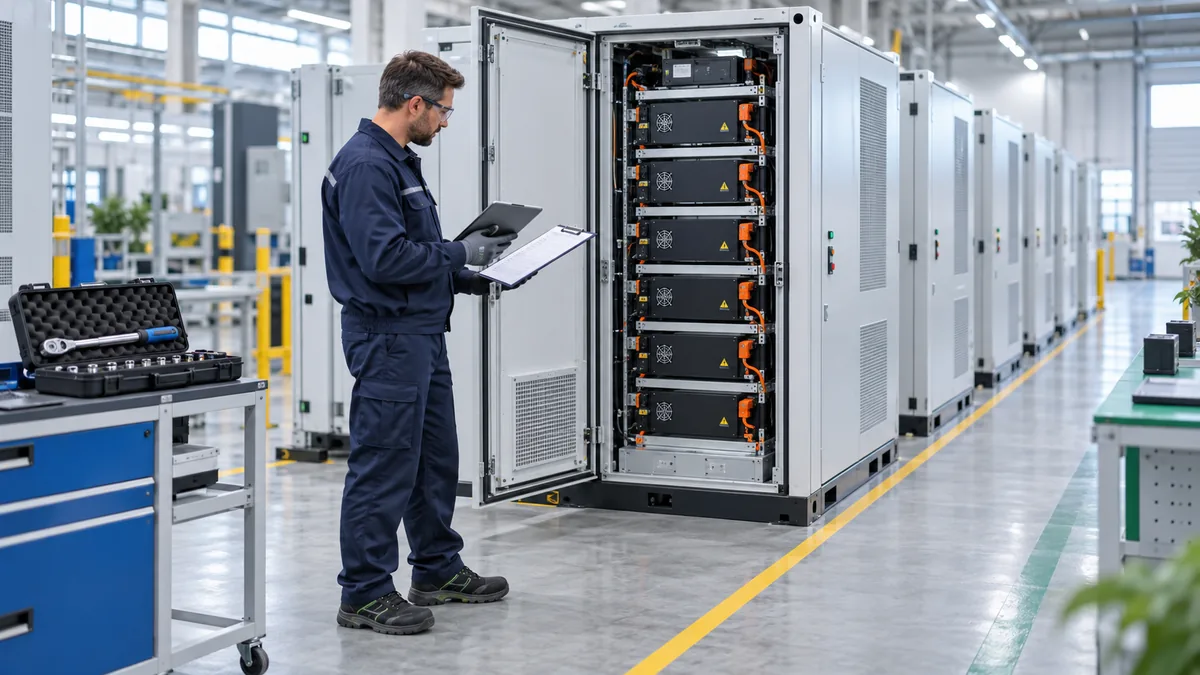
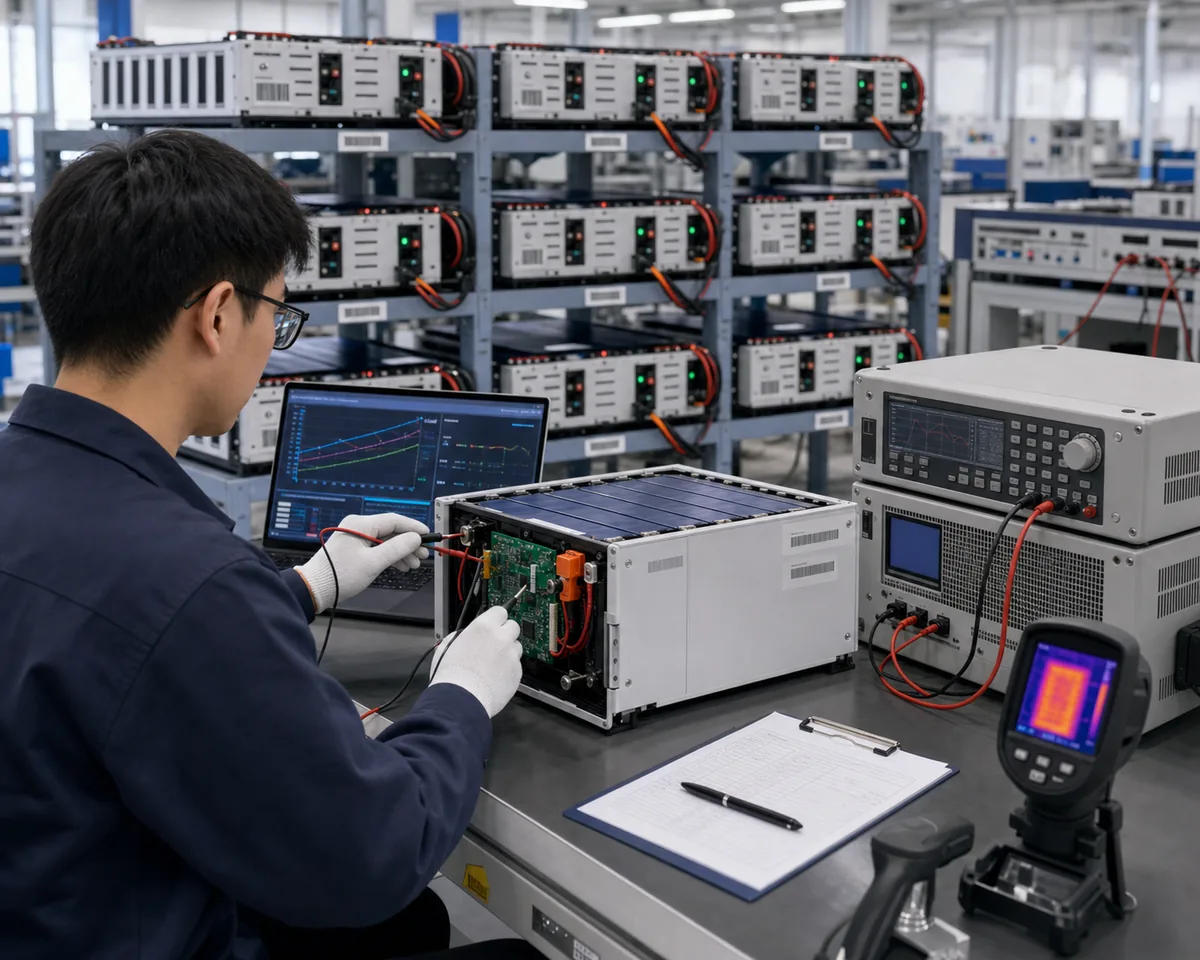
Before a buyer places a volume order, the test should be boring and repeatable. A single successful power-on is not enough. Use a short checklist and keep screenshots of inverter menus and BMS data.
Basic communication test
- Connect the battery and inverter with the proposed communication cable.
- Select the intended battery protocol in the inverter menu.
- Confirm the inverter displays battery SOC from the BMS, not an estimated voltage value.
- Confirm charge current and discharge current limits are received correctly.
- Trigger a safe warning condition or simulation if the manufacturer supports it.
- Power-cycle both devices and confirm communication recovers automatically.
Parallel battery test
- Set master and slave battery addresses according to the manual.
- Confirm the inverter sees the full usable capacity or correct current limit.
- Check whether the BMS balances current between units.
- Disconnect one slave unit under safe test conditions and confirm the system reports the event.
4. When voltage mode is acceptable
Some systems can run without active communication, using voltage thresholds for charging and discharging. This can be acceptable for simple backup or temporary testing, but it is not our preferred method for modern lithium storage projects.
Voltage mode usually gives less precise SOC reporting. It can also make alarm handling weaker. For higher-value projects, remote support and warranty work are easier when the inverter and BMS exchange clear data.
5. Questions to ask before ordering
- Which inverter brands and models have been tested with this battery?
- Is the test based on CAN, RS485 or both?
- Which BMS firmware version was used?
- Can the supplier provide the cable pinout?
- Can the supplier provide photos or screenshots of the inverter communication screen?
- What happens if the project uses parallel battery units?
- Who updates the protocol if the inverter manufacturer changes firmware?
6. Documentation that should travel with the battery
For distributors and installers, keep a small communication package with every project: battery manual, inverter setting guide, cable pinout, alarm code table, parallel connection guide and firmware change record. This is not glamorous documentation, but it saves hours when a site is offline.
If the system is part of a commercial energy storage project, this documentation should sit beside the electrical drawings, commissioning record and warranty file.
Related buyer resources
Use this article alongside SolarStorageHub's buyer resource hub when reviewing communication protocol, inverter setup, firmware checks, and commissioning evidence. For product matching, compare Home Energy Storage, C&I ESS, Solar Inverter, and Solar Panel, or contact SolarStorageHub with the inverter model, load profile, battery quantity, and destination market.
- Battery Storage Buyer Resources for linked checklists on LiFePO4 batteries, inverter compatibility, certification, shipping, installation, and warranty review.
- Home Energy Storage for residential and light commercial battery configurations.
- C&I ESS for commercial and industrial storage project planning.
- Solar Inverter and Solar Panel product paths for system-level matching.
- External reference: NREL PVWatts Calculator.
Editorial note: SolarStorageHub checks battery specifications, inverter communication, certification documents, installation assumptions, and buyer support questions before turning a topic into a procurement checklist.
Conclusion
CAN and RS485 are not magic words. They are only useful when the BMS protocol, cable, inverter setting and firmware version match. Before placing a large order, test the exact pairing and document the result.
Elecno battery projects can be checked against inverter model and communication requirements before quotation. If you already have an inverter brand in mind, include the model number and expected battery configuration when you contact the technical team.
Related compatibility guide: For a broader buyer-level compatibility workflow, this new guide explains how CAN, RS485, BMS limits, firmware, and commissioning evidence should be checked before shipment. Read LiFePO4 Battery Inverter Compatibility: CAN, RS485 and BMS Settings for Solar Storage Buyers.
Related buyer guide: For protocol comparison, this guide explains the common matching mistakes buyers should avoid during inverter setup. Read Solar Inverter and Battery Matching Mistakes: CAN/RS485, Voltage Window and BMS Limits.
Related buyer guide: After selecting CAN or RS485, commission the exact profile, address, cable and live BMS limits with the installed inverter. Read Hybrid Solar Inverter Commissioning Checklist: CT Direction, Export Limit and Battery Protocol.
Related SolarStorageHub Resources
If you are turning this article into a buying decision, compare the relevant product families and send your inverter model, target capacity, installation country, and quantity plan for confirmation.