
Backup Power for Home Internet: Wi-Fi Router, Modem and Fiber ONT
If you want Wi-Fi and internet access during a power outage, a backup battery may need to power both your router and a separate modem or fiber optical network terminal (ONT). Identify the equipment you need, measure its combined power draw, and decide whether you can tolerate a reboot. Even with every device powered, your connection depends on your internet provider's network staying up.
Which devices need backup power?
Follow the connection from where it enters your home to the room where you need Wi-Fi. Check the labels and note which devices use a power adapter.
- Combined gateway: If the provider's box is both the modem and router, it may be the only device you need to back up. Check for a separate powered terminal farther upstream.
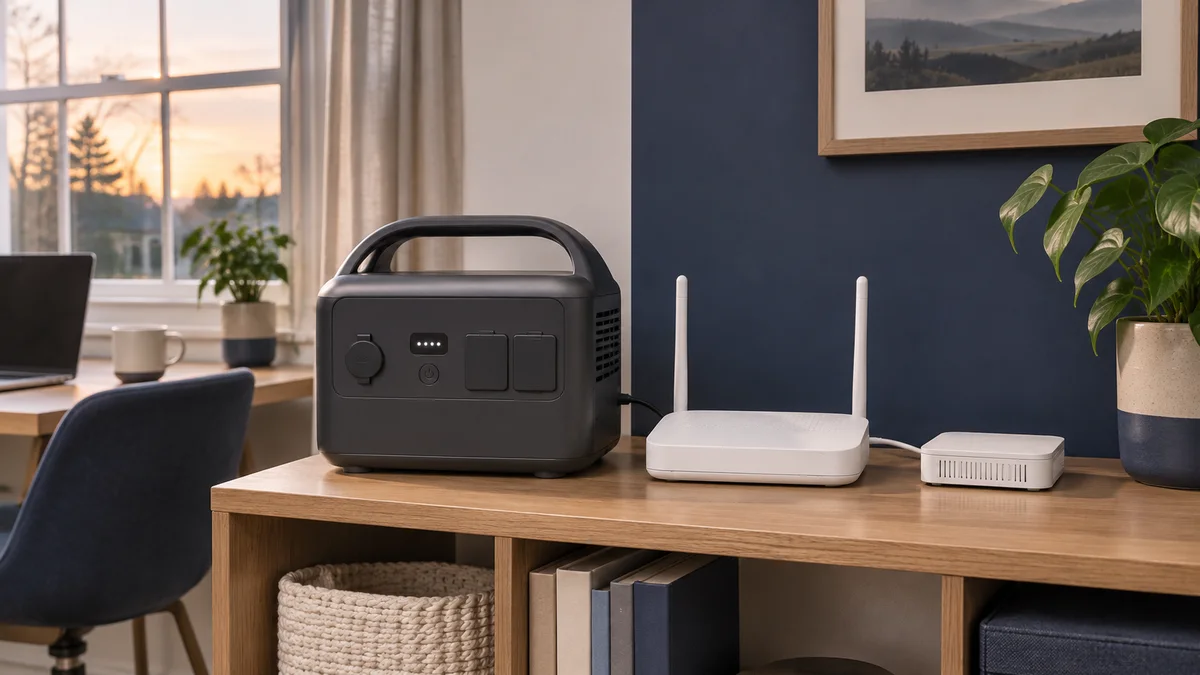
- Separate modem or ONT: Back up both the modem or ONT and the router. They may be in different rooms: a battery at your desk won't power a fiber terminal in the utility closet.
- Mesh Wi-Fi or wired access point: Back up the node you need for coverage. Include an Ethernet switch or Power over Ethernet (PoE) injector if the access point depends on it.
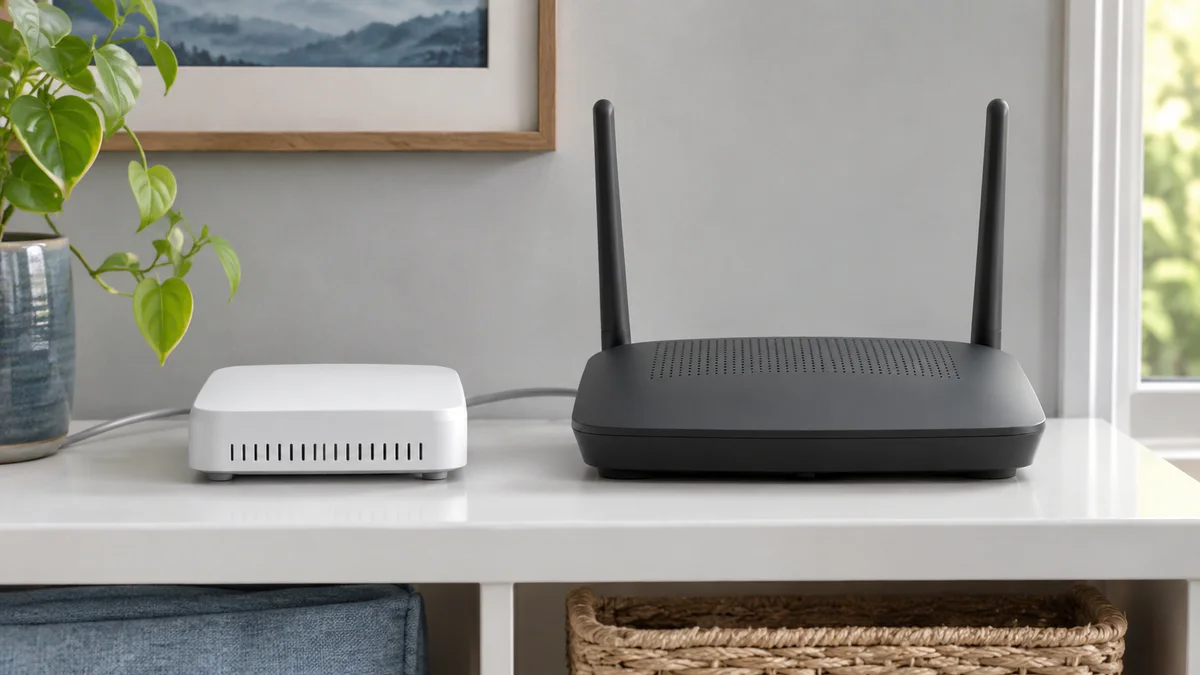
Ask what any battery supplied by your internet provider actually covers. For example, Verizon's Fios PowerReserve support page specifies that it backs up voice calls, not Fios internet or TV. Check whether your provider supports using a standard AC backup supply with your equipment. Don't modify provider-owned wiring or open the ONT enclosure.
How much battery runtime should you buy?
Measure AC power at the outlet with the original adapters in place. Add the readings of the devices you need, or use a plug-in energy meter to measure the whole group if they share an outlet. An adapter's label tells you what it is rated to supply, not how much the device draws. A meter that measures watt-hours (Wh) over a few hours captures changes that a single reading misses.
Outlet energy needed (Wh) = combined average AC draw (W) × desired backup time (hours). If a router uses 10 W and an ONT uses 8 W, the pair needs about 72 Wh at the outlet for four hours, 144 Wh for eight hours, or 216 Wh for twelve hours. Those wattages are example inputs, not typical values or product claims.
The watt-hour number on a battery label is not the amount you can count on at the AC outlets. At small loads, ask how much power the inverter uses just to keep those outlets on. A runtime chart or discharge test at your measured load is more useful than a peak output rating. For example, a test that delivers 180 Wh at a steady 18 W represents ten hours under those test conditions. Allow room for a less-than-full starting charge, battery wear, and any extra devices.
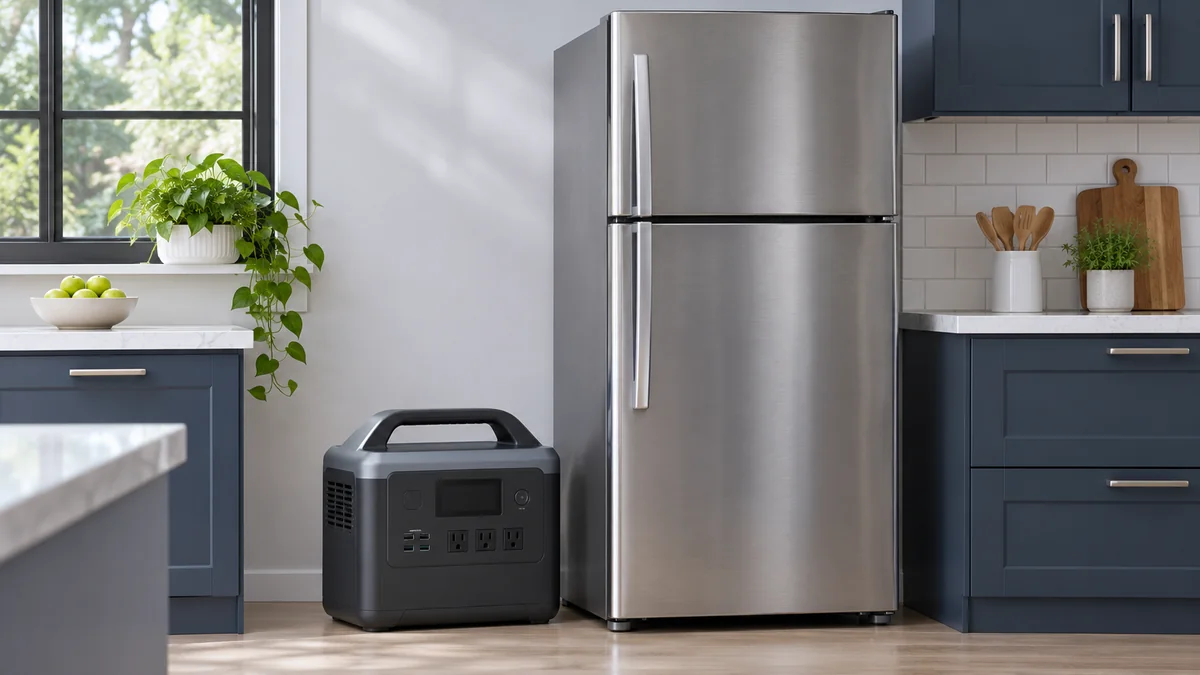
Pick a target: enough time to finish a call, enough for a workday, or enough to last overnight. Leave the laptop and monitor out of the calculation unless they will be plugged into the same backup. If you are sizing a shared battery for several loads, our portable power station buyer guide explains the difference between output power and stored energy.
UPS, DC mini UPS, or portable power station?
Choose based on the problem you need to prevent: an immediate reboot, a battery that runs out too soon, or a backup outlet that switches off because the load is too small.
| Option | Good fit when | Check before ordering |
|---|---|---|
| AC UPS | You want to keep the original adapters connected and have automatic backup for interruptions. | Runtime at your load, transfer time, and which outlets are battery-backed rather than surge-only. |
| DC mini UPS | You have one or two small devices and the seller documents a direct match for each. | Exact DC voltage, polarity, connector dimensions, current per port, and total simultaneous output. |
| Portable power station | You need longer runtime, backup for a broader set of devices, or a unit you can use elsewhere. | AC idle drain, low-load shutoff, automatic transfer if required, and whether the output resumes after depletion. |
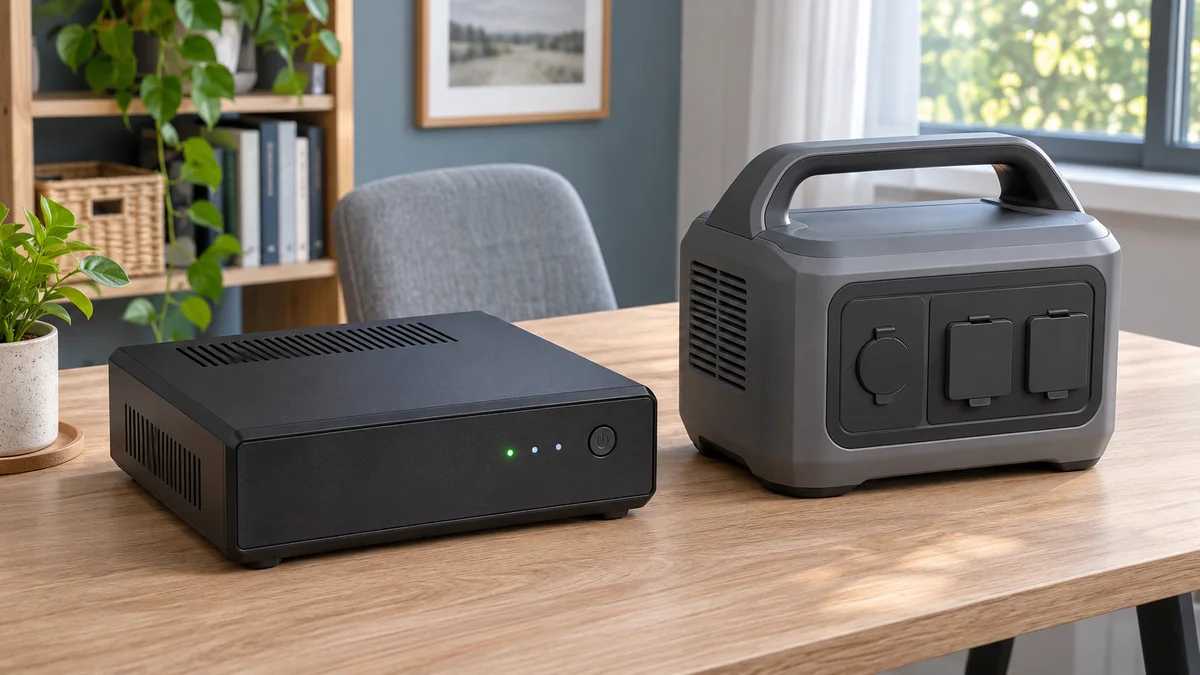
Transfer behavior varies even among UPS units. Schneider Electric's APC transfer-time guide shows why you should check the exact model and operating mode. A station with an emergency power supply (EPS) mode can also have a brief interruption. For example, the EcoFlow DELTA 2 manual lists a non-zero transfer time and describes its AC timeout behavior. Those details apply to that model. If you cannot confirm how your own router and ONT handle the transfer, plan for a reboot or choose a unit you can test and return.
How to test before you rely on it
- Test during a quiet window. Follow the backup unit manual's self-test or simulated-outage procedure. Check whether any device reboots, then open a website or try a call. A Wi-Fi icon only shows that the device joined the local network.
- Test the smallest load. Run only the equipment you need long enough to check for low-load shutoff. If the manufacturer allows you to change the idle timeout, check that the setting stays in effect after restart.
- Check recovery. Find out whether the backup outlets and network devices restart automatically after a long outage drains the battery. If they need a manual restart, decide if that is acceptable when no one is home.
- Have a separate connection option. An at-home test cannot prove that your provider's network will stay up in a neighborhood outage. A phone hotspot can help if its own network is available; check coverage and keep the phone charged.
What to ask the seller before ordering
Send the model names, measured total watts, country and outlet type, runtime target, and whether a brief reboot is acceptable. Ask for runtime at or near your load, which outlets stay active on battery, how timeout and restart work, and the return terms. For a direct-DC unit, request written compatibility for each device and port. Use our battery quotation checklist or contact SolarStorageHub with those inputs. For router-only backup, start with the smallest unit that meets your tested needs.
Frequently asked questions
Can I just plug the router into a UPS?
Yes if the router is also the modem or gateway and no other home equipment is required upstream. Otherwise the modem or fiber ONT needs backup power too, and the provider's network must still be working.
How long will a 300 Wh battery run my Wi-Fi?
You cannot tell from the label alone. Measure the combined load at the outlet, then use the tested energy delivered at that load or a model-specific runtime chart. A low-power router can still drain a station faster than expected if its AC inverter has high idle consumption.
Will a portable power station keep a video call from dropping?
Not necessarily. The station must transfer without rebooting any required device, and the provider's internet service must stay online. Test the connection, not just the router's status lights.
Can a USB power bank replace my router adapter?
Only if the power bank and its supported output arrangement match the router's exact input requirements. Do not select a cable or adapter by connector shape alone. Use the original adapter with a suitable AC backup unit if you cannot verify a direct-DC match.
Related SolarStorageHub Resources
If you are turning this article into a buying decision, compare the relevant product families and send your inverter model, target capacity, installation country, and quantity plan for confirmation.