
Hybrid Inverter Compatibility Checklist for LiFePO4 Home Batteries
Installer note: A LiFePO4 battery is not truly compatible with a hybrid inverter just because both products mention CAN or RS485. Real compatibility depends on protocol, firmware, current limits, voltage range, parallel rules, cable pinout, alarm behavior, and how the inverter reacts when communication is lost.
For distributors, inverter compatibility is also a commercial risk. One failed commissioning can create a support case that involves the homeowner, installer, inverter brand, battery supplier, and wholesaler. The easiest time to prevent that problem is before ordering the sample or confirming the private-label model.
1. Start with the exact inverter model, not the brand name
Many buyers ask whether a battery works with a well-known inverter brand. That question is too broad. Compatibility should be checked by exact inverter model, firmware version, communication port, battery mode, and regional variant. A brand may use different communication behavior across low-voltage and high-voltage series.
Ask the battery supplier for a tested inverter list that includes model number, protocol setting, firmware version, cable wiring, and screenshots. If the supplier only provides a brand logo grid, treat it as a sales document, not engineering proof.
| Compatibility item | Buyer question | Why it matters |
|---|---|---|
| Battery voltage range | Does it match inverter battery input? | Prevents charge or discharge cutoff conflicts |
| Communication protocol | Which CAN or RS485 protocol is tested? | Controls SOC, alarms, and current limits |
| Charge current | Can the battery accept inverter charge current? | Protects cells and BMS warranty limits |
| Discharge current | Can it support backup load peaks? | Reduces nuisance shutdowns |
| Parallel batteries | How many units are supported? | Affects expansion and cable design |
| Failure behavior | What happens if communication drops? | Prevents confusing field faults |
2. Verify CAN and RS485 beyond the connector
A physical RJ45 port does not prove that two devices understand each other. CAN and RS485 are transport layers; the important question is the data protocol running through them. The inverter must receive SOC, voltage, current, alarm, and allowable current data in the format it expects.
Before ordering, request the supplier's recommended cable pinout and inverter menu settings. Our CAN vs RS485 solar battery inverter compatibility guide explains why pinout, firmware, and protocol names should be checked together.
3. Match electrical limits to real home loads
Communication can be correct while the system still performs poorly because the current limit is wrong. A home battery used for backup may need short peak discharge for pumps, refrigerators, or air-conditioning start-up. A solar self-consumption system may care more about daily continuous charge/discharge behavior.
Ask the supplier for continuous current, peak current duration, recommended charge current, low-temperature charge protection, high-temperature derating, and the inverter settings that should be used. These numbers should be written into the quotation or technical file, not left as chat history.
4. Test sample units with the installer's normal workflow
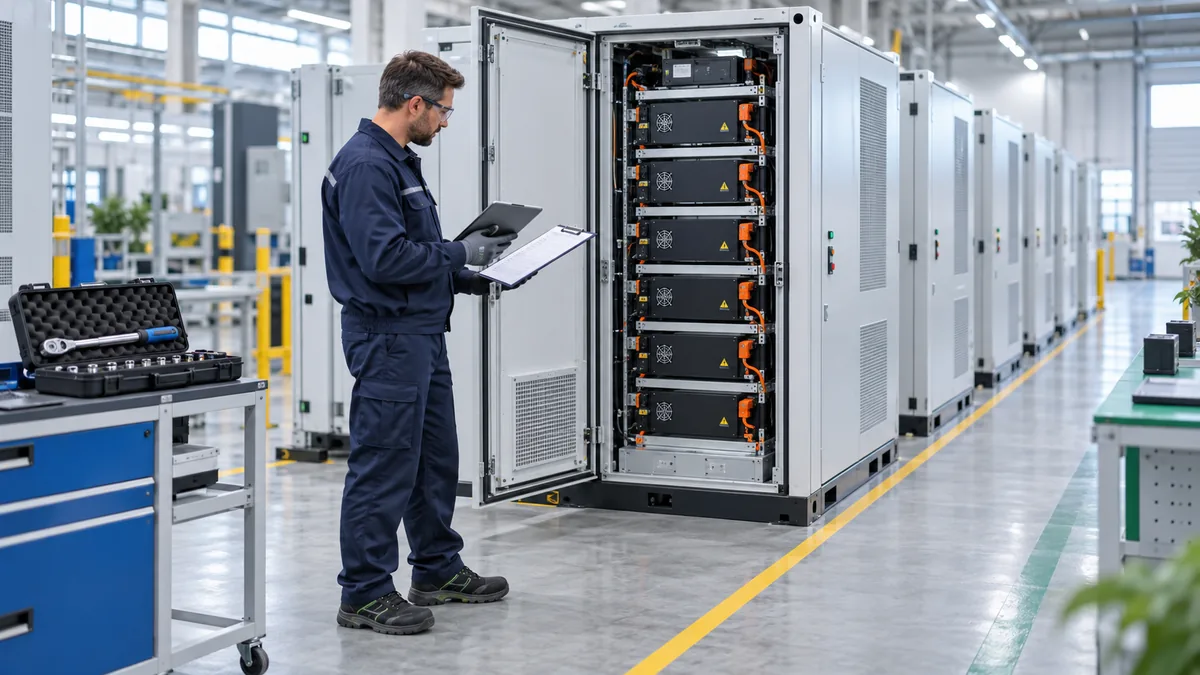
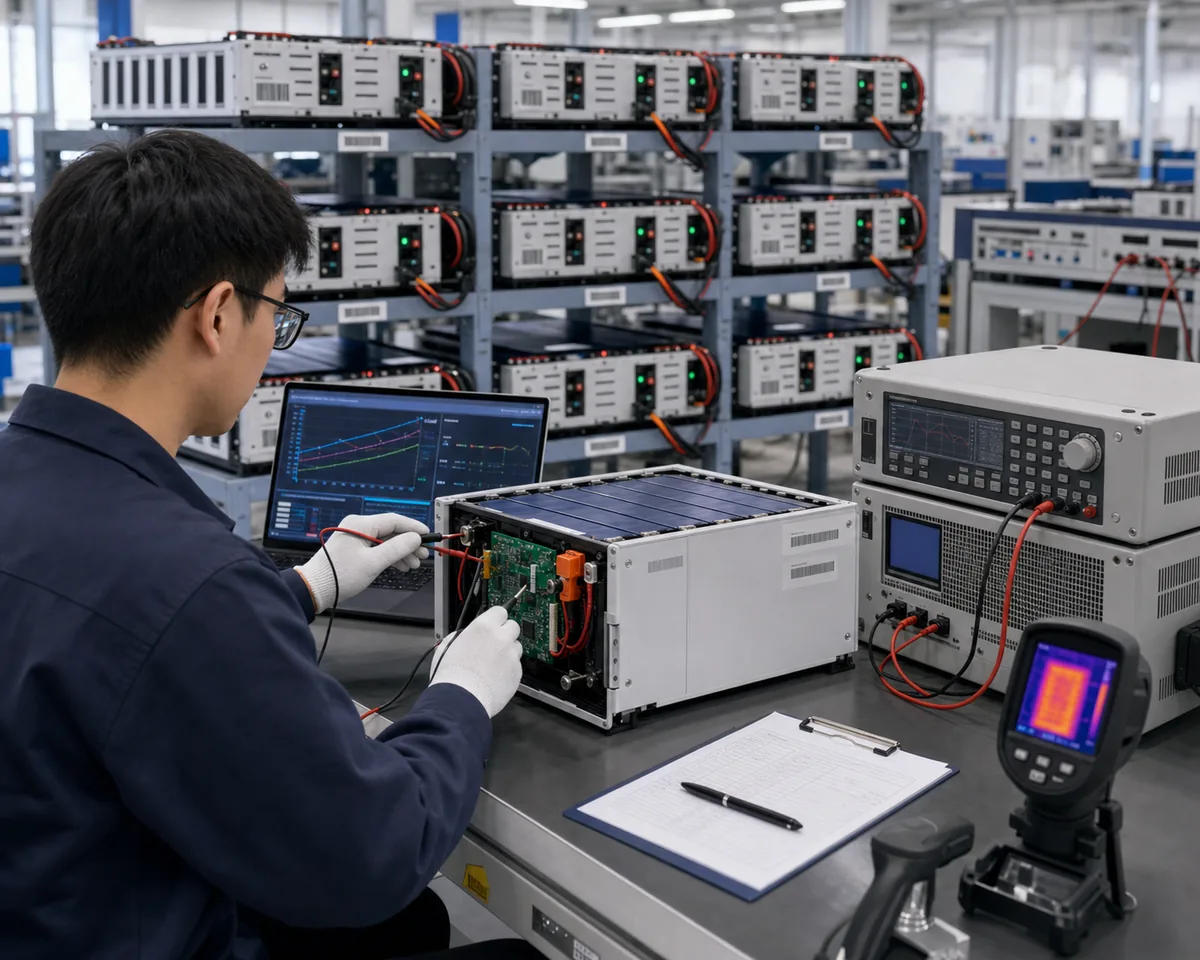
A good sample test should feel like a real installation. Use the inverter model sold in your market, the cable that will ship with the product, the same battery quantity, and the same operating modes. Test PV charging, grid charging, backup discharge, communication loss recovery, low-SOC behavior, alarm display, and restart after power cycling.
For projects that use multiple batteries, check whether the inverter reads total capacity correctly and whether current sharing is stable. A battery that works as one unit may still need different address settings or firmware for parallel operation.
5. Connect compatibility with warranty support
Warranty arguments often start when the inverter logs and battery logs disagree. The battery supplier may say the inverter exceeded current limits, while the installer may say the battery shut down early. To avoid that conflict, define the approved inverter list, settings, and operating limits before sales.
Our solar battery warranty terms guide explains why depth of discharge, current, temperature, and cycle records matter in real support cases.
Related SolarStorageHub resources and authoritative reference
Use these links when building an inverter compatibility file for procurement, installation, or distributor training.
- Internal resource: CAN vs RS485 inverter compatibility guide
- Internal resource: LiFePO4 battery BMS parameters checklist
- Project support: Contact SolarStorageHub for inverter and battery matching review
- External reference: SunSpec Alliance resources for interoperable solar and storage systems
Related buyer resources
Use this article alongside SolarStorageHub's buyer resource hub when reviewing hybrid inverter matching, communication protocol, and commissioning risk. For product matching, compare Home Energy Storage, C&I ESS, Solar Inverter, and Solar Panel, or contact SolarStorageHub with the inverter model, load profile, battery quantity, and destination market.
- Battery Storage Buyer Resources for linked checklists on LiFePO4 batteries, inverter compatibility, certification, shipping, installation, and warranty review.
- Home Energy Storage for residential and light commercial battery configurations.
- C&I ESS for commercial and industrial storage project planning.
- Solar Inverter and Solar Panel product paths for system-level matching.
- External reference: NREL PVWatts Calculator.
Editorial note: SolarStorageHub checks battery specifications, inverter communication, certification documents, installation assumptions, and buyer support questions before turning a topic into a procurement checklist.
Related buyer resources: For inverter-sensitive projects, use the buyer hub and company capability guide to connect CAN/RS485 matching with product selection and service support. Start with the Battery Storage Buyer Resources Hub, compare options in the Battery Storage Product Selection Guide, review trust and document checks in the Warranty, Certification, Shipping and OEM Buyer Guide, and confirm supplier support in the SolarStorageHub Company Capability and Service Support Guide. For project details, use the Solar Battery RFQ Checklist before contacting the team through Contact.
Related compatibility guide: For buyers comparing hybrid inverters and LiFePO4 batteries, the new compatibility guide connects protocol checks with BMS settings and RFQ evidence. Read LiFePO4 Battery Inverter Compatibility: CAN, RS485 and BMS Settings for Solar Storage Buyers.
Related buyer guide: For hybrid inverter projects, this guide adds practical failure points around voltage window, firmware and BMS limits. Read Solar Inverter and Battery Matching Mistakes: CAN/RS485, Voltage Window and BMS Limits.
Related buyer guide: For hybrid inverter projects, this handover checklist adds the settings and communication records installers should save. Read Home Battery Storage Installation Handover Checklist for Installers and Distributors.
Related buyer guide: For hybrid inverter projects, this parallel connection checklist adds the battery-side settings installers should confirm. Read LiFePO4 Battery Parallel Connection Checklist: BMS Address, Current Sharing and Inverter Limits.
Related buyer guide: Inverter compatibility should include measured backup transfer behavior, EPS limits and restart testing with the actual loads. Read Home Battery Backup Transfer Time Checklist: EPS Output, Critical Loads and Restart Testing.
Related buyer guide: This commissioning guide adds CT direction, export limitation, schedules and backup testing to the pre-order compatibility review. Read Hybrid Solar Inverter Commissioning Checklist: CT Direction, Export Limit and Battery Protocol.
FAQ
Does CAN support mean the inverter and battery are compatible?
No. CAN support only confirms the communication interface. The protocol, firmware, cable pinout, and inverter battery mode must also match.
What should buyers ask for from the battery supplier?
Ask for tested inverter models, firmware versions, protocol settings, cable pinout, current limits, parallel rules, and commissioning screenshots.
Can a LiFePO4 battery run without communication?
Some systems can run in voltage mode, but SOC accuracy, alarms, current limits, and warranty diagnosis are usually weaker.
Why does firmware version matter?
Firmware can change communication behavior, inverter menus, alarm codes, and the way charge/discharge limits are interpreted.
Should distributors test samples before bulk orders?
Yes. Test samples with local inverter models, real loads, parallel settings, communication recovery, and the installation workflow used by local technicians.
What is the biggest compatibility risk?
The biggest risk is assuming compatibility from a brand logo or connector type without testing the exact model, protocol, firmware, and settings.
Conclusion
Hybrid inverter compatibility should be treated as an engineering checklist, not a marketing claim. Check the exact inverter model, protocol, electrical limits, sample behavior, and warranty evidence before scaling a LiFePO4 home battery program.
Related SolarStorageHub Resources
If you are turning this article into a buying decision, compare the relevant product families and send your inverter model, target capacity, installation country, and quantity plan for confirmation.