
LiFePO4 Battery Warranty Claim Evidence: Commissioning Records, BMS Logs and Installation Photos for Buyers
Buyer note: A LiFePO4 battery warranty is not only a PDF term sheet. In real projects, warranty review depends on evidence: serial numbers, installation photos, inverter settings, BMS logs, commissioning records, operating environment, and a clear description of the fault. Buyers who keep these records from day one usually get faster support and cleaner technical answers.
This guide is written for distributors, EPC teams, installers, OEM/ODM buyers, and project owners using Home Energy Storage, C&I ESS, Solar Inverter, and Solar Panel equipment. Use it with the Warranty, Certification, Shipping and OEM Buyer Guide, SolarStorageHub Company Capability and Service Support Guide, and Solar Battery RFQ Checklist.
Why warranty evidence matters before anything goes wrong
Warranty problems often become difficult because the first installation record is missing. A battery may show an alarm months after delivery, but the supplier cannot see the original wiring, inverter model, BMS settings, ambient temperature, firmware version, or serial number list. Without those details, the review can turn into guesswork.
A better process starts before shipment and continues during installation. The buyer should know which records to collect, who keeps them, and how they will be shared if support is needed later. This does not make the project more complicated. It simply gives the supplier, installer, and buyer a shared factual record.
Evidence buyers should keep for every battery project
| Evidence item | Why it helps | When to collect it |
|---|---|---|
| Serial numbers | Connects the claim to the exact battery, BMS, shipment, and production batch. | Before installation and at handover. |
| Installation photos | Shows wall or floor placement, clearance, cable routing, terminals, enclosure and environment. | During installation and after commissioning. |
| Inverter model and settings | Confirms voltage range, charge current, discharge current, battery mode and communication profile. | Before first operation and after final commissioning. |
| BMS logs or screenshots | Shows SOC, cell voltage, temperature, current, alarm history and protection events. | At commissioning and when an issue appears. |
| Load profile | Helps separate battery limits from overload, surge demand or runtime expectations. | Before quotation and during troubleshooting. |
| Operating environment | Temperature, moisture, dust, ventilation and outdoor exposure affect performance and risk. | At site survey and installation. |
| Commissioning record | Confirms that the system started correctly and settings were reviewed. | At project handover. |
Installation photos are not cosmetic
Photos can answer practical questions quickly. Is the battery mounted with enough clearance? Are cables protected? Is the battery exposed to water, direct heat, dust, or impact risk? Is the cabinet accessible for service? Are parallel batteries installed according to the supplier's wiring rules? These questions matter for both home battery systems and commercial ESS projects.
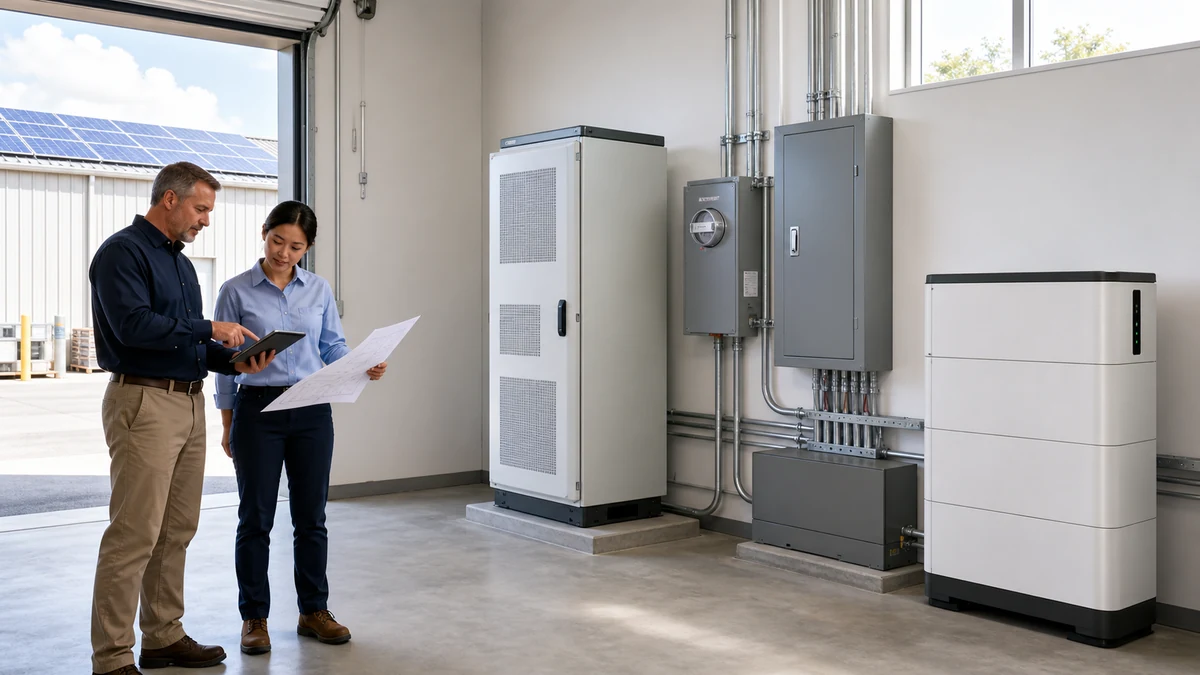
For a wall-mounted home battery, useful photos include the mounting surface, bracket, cable route, inverter location, breaker area, battery labels, and final powered-on display. For an outdoor cabinet or containerized project, photos should include cabinet placement, foundation, ventilation, cable trench or conduit, warning labels, cooling access, and emergency stop location.
BMS logs and inverter settings tell the technical story
The BMS protects the battery and records the operating state. If a buyer reports a shutdown, low runtime, charging problem, SOC jump, or communication alarm, BMS data can show whether the issue is voltage, current, temperature, communication, cell imbalance, or a protection threshold. Screenshots are not perfect, but they are much better than a verbal description alone.
Buyers should also keep the original BMS parameter sheet used at commissioning. Maximum charge current, discharge current, cell-voltage protection, temperature limits, SOC calibration notes, and communication mode can all affect later troubleshooting. The BMS Parameters Buyers Should Check Before Ordering LiFePO4 Solar Batteries guide explains which values should be reviewed before the buyer treats the system as ready for daily cycling.
The inverter settings are equally important. A correct warranty review needs the inverter brand, model, firmware if available, battery mode, CAN or RS485 profile, charge current, discharge current, low-voltage setting, and any alarm messages. For inverter-sensitive projects, read LiFePO4 Battery Inverter Compatibility: CAN, RS485 and BMS Settings before commissioning.
Commissioning records reduce after-sales friction
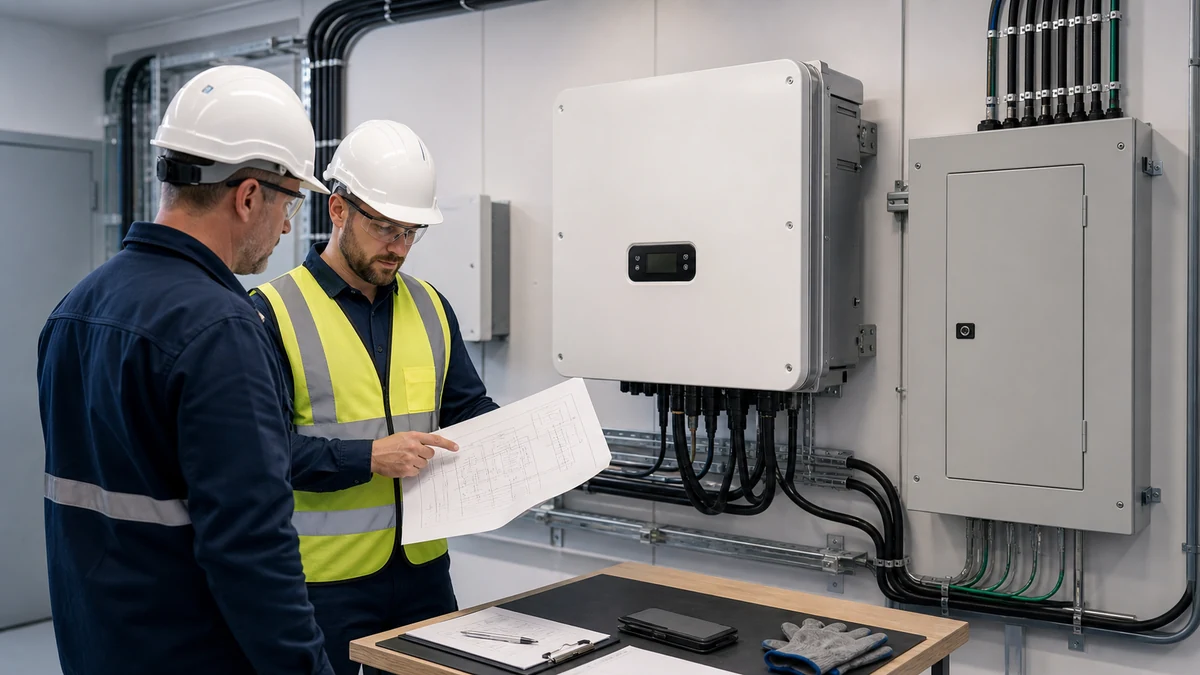
Commissioning is the moment when the buyer can prove that the installed system was checked under real operating conditions. A useful record includes date, installer name, battery serials, inverter model, BMS status, communication status, charge/discharge test, load test, final settings, photos, and customer handover notes.
For C&I projects, commissioning should also cover site safety, cooling, enclosure condition, monitoring, emergency procedures, and maintenance access. The C&I Battery Energy Storage Commissioning Checklist gives a more detailed structure for installer and EPC teams.
Warranty terms still matter
Evidence does not replace the warranty terms. Buyers should still review cycle life, depth of discharge, operating temperature, installation requirements, exclusion clauses, shipping damage process, and whether labor, accessories, or return freight are covered. A clear record simply helps both sides apply the terms correctly.
For a deeper explanation of cycle life, DoD, and project risk, read Solar Battery Warranty Terms Explained. For certification and document review, compare external references such as IEC 62619:2022 and UL Solutions energy storage system testing and certification.
What distributors should ask from installers
Distributors often sit between the manufacturer and the final installation site. They should ask installers to provide a standard handover pack: serial number photo, installation overview, wiring photo, inverter settings, BMS screenshot, alarm-free running photo, load test note, and customer sign-off. This is not bureaucracy. It protects the distributor when support questions arrive later.
For private-label or OEM buyers, this evidence also protects the brand. If a support case appears in the local market, the distributor can respond faster when the facts are already organized. This is one reason supplier capability and after-sales workflow should be reviewed before large orders, not only after a problem appears.
SolarStorageHub editorial note
SolarStorageHub reviews battery selection, inverter matching, documentation, warranty terms, and after-sales evidence with buyers before quotation. The goal is to reduce avoidable disputes and shorten troubleshooting time. For project support, prepare the RFQ details, photos, inverter model, load profile, and any available BMS logs, then contact the team through Contact.
Related buyer guide: For warranty evidence, this handover checklist shows which installation photos and settings records should be kept from day one. Read Home Battery Storage Installation Handover Checklist for Installers and Distributors.
Related buyer guide: For warranty support, this maintenance checklist adds the operating records service teams should keep before a claim is needed. Read C&I ESS Maintenance Checklist: BMS Logs, Cooling, Alarms and Warranty Records.
FAQ
What evidence is most important for a LiFePO4 battery warranty claim?
Serial numbers, installation photos, inverter model and settings, BMS logs, alarm screenshots, commissioning records, and a clear description of the fault are usually the most useful.
Do buyers need BMS logs for every support case?
Not always, but BMS logs or screenshots are very helpful when the issue involves SOC, voltage, temperature, current, communication, or protection alarms.
Why are installation photos needed?
Photos show cable routing, clearance, mounting, environment, enclosure condition, and possible installation risks that cannot be confirmed from a text description.
Should warranty records be collected before a problem appears?
Yes. Collecting records at commissioning is easier and more reliable than trying to reconstruct the original setup months later.
What should distributors ask installers to send after installation?
Ask for serial number photos, overview photos, wiring photos, inverter settings, BMS screenshots, load test notes, and customer handover confirmation.
Can incorrect inverter settings affect warranty review?
Yes. Charge current, discharge current, voltage limits, communication profile, and battery mode can affect performance and may be relevant during technical review.
Where should buyers start before placing a battery order?
Start with the Battery Storage Buyer Resources Hub, review the Warranty, Certification, Shipping and OEM Buyer Guide, and send project details through Solar Battery RFQ Checklist.
Related SolarStorageHub Resources
If you are turning this article into a buying decision, compare the relevant product families and send your inverter model, target capacity, installation country, and quantity plan for confirmation.