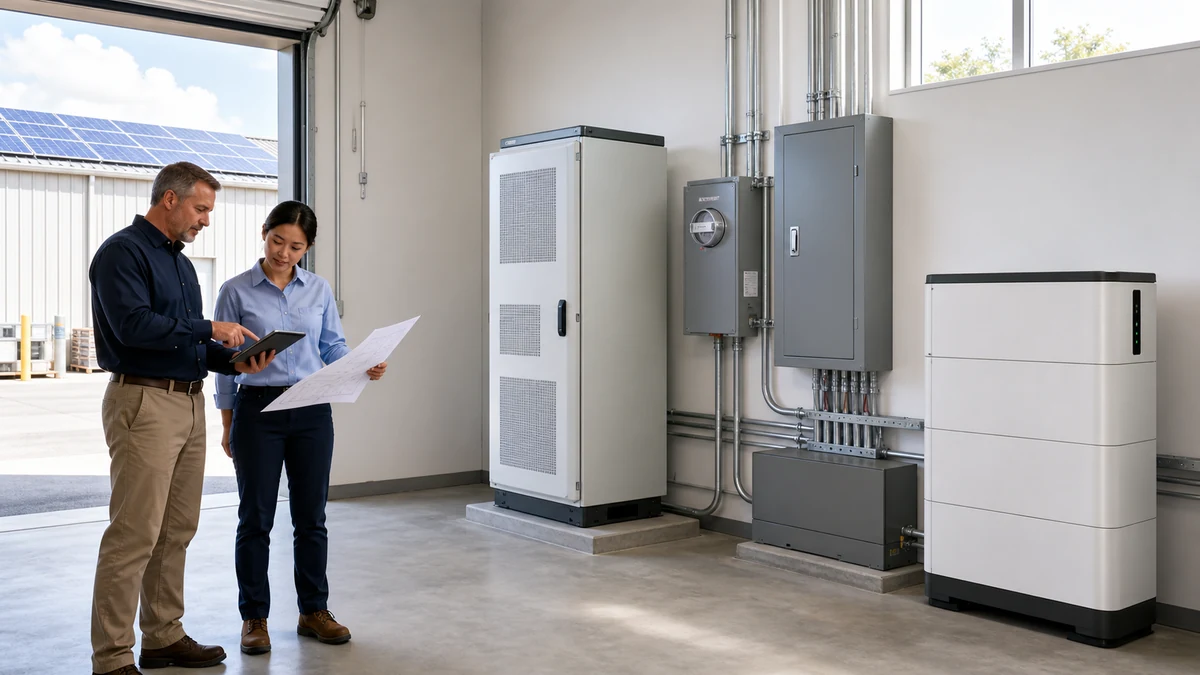

C&I ESS Maintenance Checklist: BMS Logs, Cooling, Alarms and Warranty Records
Operations note: A C&I ESS project needs maintenance records, not only a commissioning report. Battery cabinets, inverters or PCS units, EMS settings, cooling, alarms, site conditions and warranty evidence should be reviewed on a regular schedule. Good maintenance records help owners reduce downtime, improve safety, and support after-sales review when a problem appears.
This checklist is written for distributors, EPC teams, facility managers and service partners working with C&I ESS, Solar Inverter, Solar Panel, and related Home Energy Storage systems. Use it with the Battery Storage Buyer Resources hub, and send maintenance or matching questions through Contact.
Why maintenance planning starts before shipment
Maintenance is easier when the buyer asks the right questions before shipment. The supplier should explain what records are needed, which alarms require immediate action, what cooling checks should be done, how often logs should be saved, and which parts should be inspected after installation. If the maintenance plan is discussed only after a fault appears, the support team may not have enough evidence.
A C&I ESS maintenance plan should connect commissioning, operating data, visual inspection, cleaning, thermal review, alarm review and warranty evidence. The goal is not paperwork for its own sake. The goal is to notice changes before they become failures.
C&I ESS maintenance checklist
| Maintenance area | What to check | Useful record |
|---|---|---|
| Visual condition | Cabinet, doors, seals, cable entry, corrosion, water marks, dust and physical damage. | Photos with date and cabinet number. |
| Cooling | Air filter, fan, liquid cooling status if used, vent clearance, temperature alarms and hot spots. | Temperature screenshots and cleaning record. |
| BMS data | SOC, SOH where available, cell voltage spread, pack temperature, charge current and discharge current. | BMS log export or screenshots. |
| Inverter or PCS | Operating mode, power output, warnings, communication status, firmware and protective settings. | Settings screenshots and alarm history. |
| EMS behavior | Schedule, peak shaving target, backup reserve, charging source and remote monitoring connection. | EMS settings record and event log. |
| Safety devices | Breakers, emergency stop, labels, grounding, cable condition and access control. | Inspection form and photos. |
| Warranty evidence | Serial numbers, maintenance record, alarms, service notes, installation photos and commissioning file. | Project maintenance folder. |
Review alarms before they become failures
Alarm review should be routine. A single communication warning may be harmless if it appears during a known network interruption, but repeated warnings can point to cable, firmware, EMS, inverter or BMS issues. Temperature alarms, voltage imbalance, repeated current limit events, and communication loss should be recorded with date, operating mode and load condition.
If account, firmware or remote-connection changes appear beside those events, use the BESS cybersecurity checklist to document access ownership, network boundaries, timestamps, log export and the evidence needed for operational handover.
Use the BMS Parameters Buyers Should Check guide to understand why voltage spread, current limits and temperature data matter. If alarms involve inverter communication, the Solar Inverter and Battery Matching Mistakes guide gives a practical review path.
Cooling checks are not optional
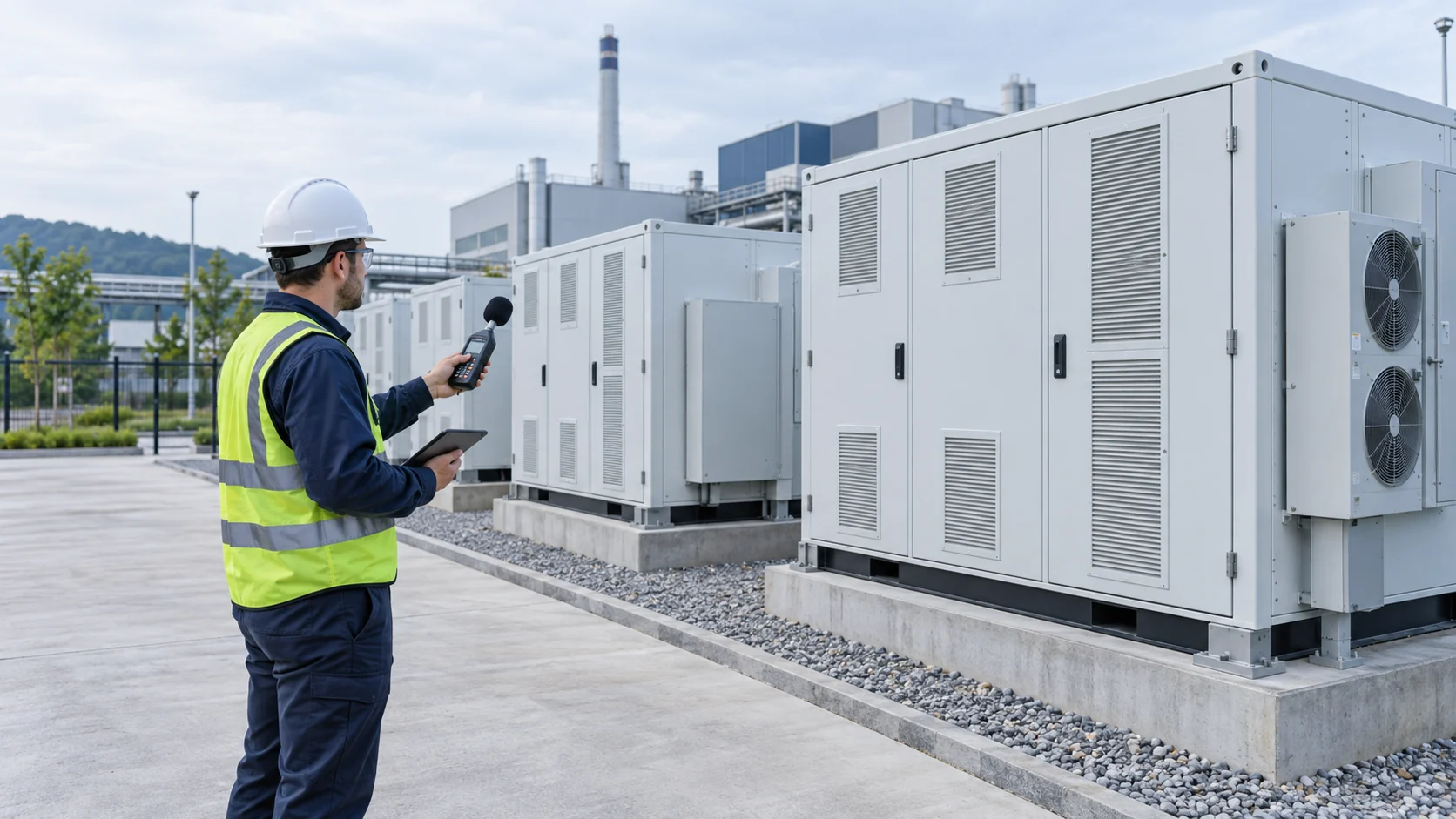
Cooling affects battery life, power capability and alarm frequency. For air-cooled cabinets, check filters, fan operation, cabinet clearance and dust. For liquid-cooled systems, check the supplier's recommended inspection points, leak evidence, temperature data and alarm history. Outdoor cabinets should also be checked for sun exposure, blocked vents, water marks and service access.
The guide Air Cooling vs Liquid Cooling C&I LiFePO4 Battery Storage explains why thermal management is a project-level decision. External references such as UL Solutions energy storage system testing and certification are useful background when reviewing energy storage safety and system-level testing.
Compare maintenance data with commissioning records
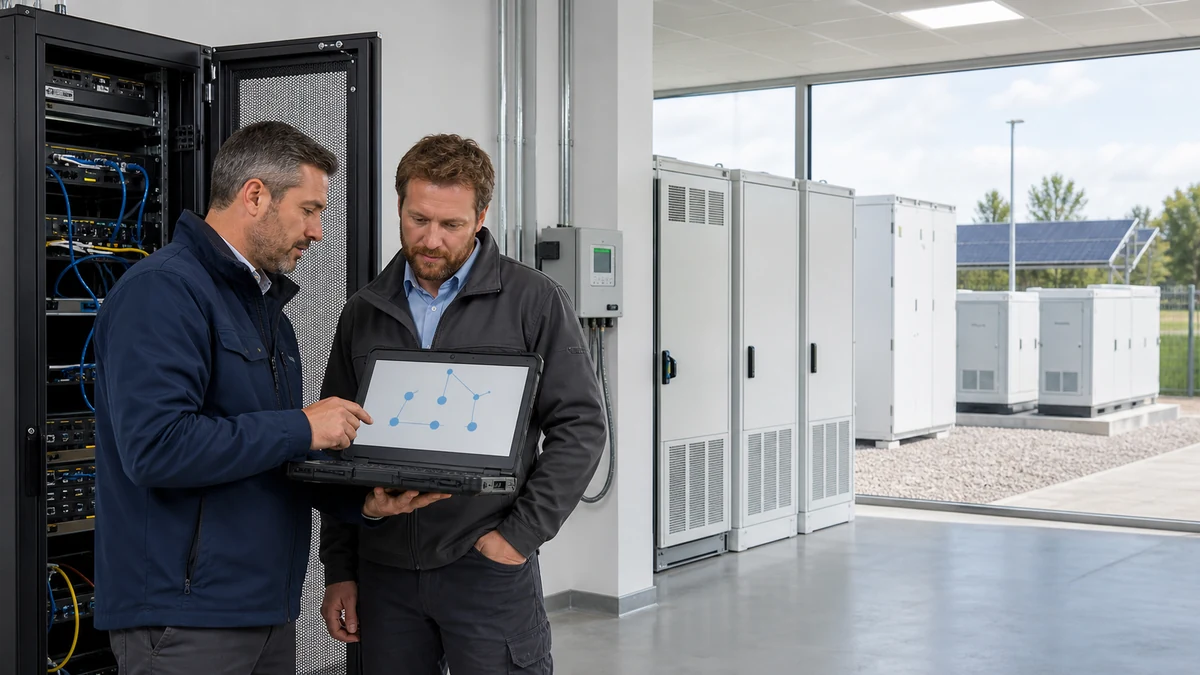
The first commissioning record is the baseline. Later inspections should compare current settings, temperatures, alarms, SOC behavior and communication status with the original commissioning file. If the inverter mode, EMS schedule, battery reserve or charge current changed after handover, the maintenance record should explain why.
For commissioning structure, use C&I Battery Energy Storage Commissioning Checklist. If the site was not documented well at the beginning, start the maintenance folder now with photos, serial numbers, settings screenshots and current BMS logs.
Check whether operation matches the original quote
C&I ESS systems are sometimes used differently after installation. A battery quoted for backup may later be cycled daily for peak shaving. A battery designed for self-consumption may be pushed into deeper discharge than expected. These changes can affect warranty assumptions, cycle life and maintenance needs.
Compare operation with the original design goal and the quote package. The C&I ESS Quote Checklist helps buyers review load profile, operating goal, site data and warranty evidence before pricing. Maintenance teams can use the same data to check whether the system is being used as intended.
Keep a clean warranty evidence folder
Warranty evidence should be collected before there is a claim. Keep serial numbers, commissioning reports, installation photos, BMS logs, inverter or PCS settings, alarm history, maintenance records and service notes. When an issue appears, the support team should not have to ask basic questions that could have been recorded earlier.
The guide LiFePO4 Battery Warranty Claim Evidence gives a practical record list. For broader government background on solar-plus-storage applications, the U.S. Department of Energy solar-plus-storage overview is a useful reference.
Suggested maintenance schedule
A simple schedule is better than an unclear one. The exact interval should follow the supplier manual, site conditions and local rules, but buyers can start with a monthly visual check, quarterly log review, semiannual cooling and connection review, and annual operating strategy review. Hot, dusty or outdoor sites may need more frequent checks.
Every maintenance visit should leave a short record: date, technician, cabinet number, visible condition, alarms, temperature, SOC range, BMS data, inverter or PCS status, photos and actions taken. If remote monitoring exists, export important event logs before they are overwritten.
What to send SolarStorageHub for support
For maintenance or alarm review, prepare cabinet model, serial numbers, inverter or PCS model, EMS mode, photos, BMS screenshots, alarm history, site temperature, load condition and recent maintenance notes. Send the information through Contact so the support discussion can start with evidence instead of guesswork.
Related approval and document checks
These related guides help buyers connect product testing, documentation, certification and after-sales evidence before approving a larger order.
Related buyer guide: Routine maintenance should include detection, ventilation, suppression interfaces and emergency signage. Read C&I BESS Fire Safety Checklist: Detection, Suppression and Emergency Documents.
Related buyer guide: Maintenance records should include BMS logs, cooling checks, alarms and warranty evidence. Read Outdoor AC Energy Storage Cabinet: Temperature and Maintenance Checklist.
FAQ
How often should a C&I ESS be inspected?
The supplier manual should define the final schedule, but many sites benefit from monthly visual checks, quarterly log review, semiannual cooling checks and annual operating strategy review.
Which maintenance records are most useful?
Useful records include serial numbers, photos, BMS logs, inverter or PCS settings, EMS settings, alarm history, temperature data, cleaning records and service notes.
Why is cooling maintenance important?
Poor cooling can increase temperature, reduce performance, trigger alarms and shorten component life. Filters, fans, vents and temperature records should be checked regularly.
Should maintenance teams review the original quote?
Yes. The quote shows the intended operating goal, load profile and warranty assumptions. Maintenance data should be compared with that original design intent.
What alarms need urgent attention?
Repeated temperature alarms, voltage imbalance, communication loss, overcurrent events, emergency stop events and insulation or protection warnings should be reviewed quickly.
Can maintenance records help warranty claims?
Yes. Records show how the system was installed, operated, inspected and serviced. This makes warranty review faster and more credible.
Where should maintenance questions be sent?
Send model numbers, serial numbers, alarm screenshots, BMS logs, inverter or PCS settings, photos and maintenance notes through the Contact page.
Related SolarStorageHub Resources
If you are turning this article into a buying decision, compare the relevant product families and send your inverter model, target capacity, installation country, and quantity plan for confirmation.