
Home Energy Storage Batteries Checklist: Capacity, Inverter and Backup
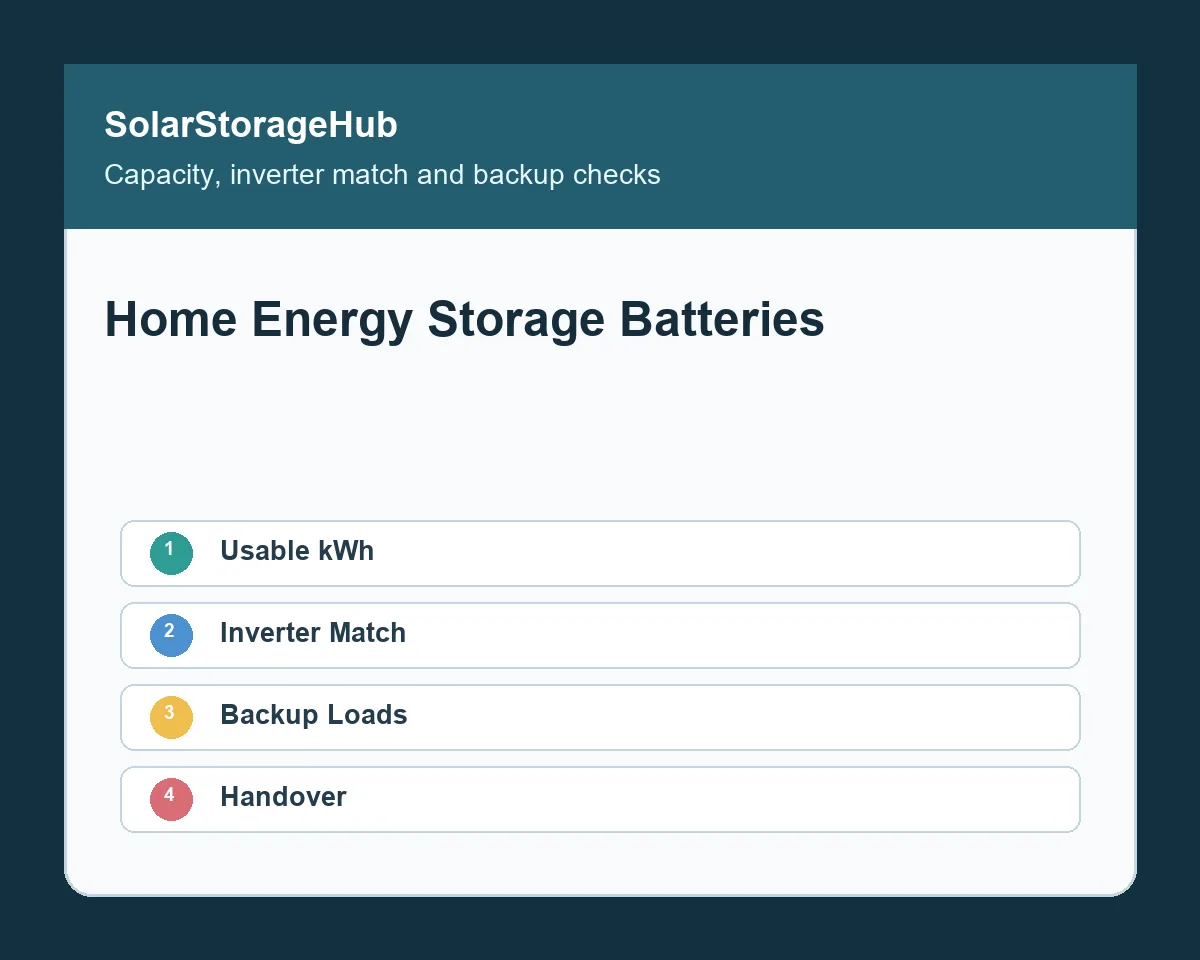
Buyer note: Home energy storage batteries should be selected by usable capacity, inverter compatibility, backup behavior, installation conditions and warranty evidence. A larger kWh number is not enough if the battery cannot communicate with the inverter, restart critical loads, charge safely in the site temperature or fit the installation space.
For a coordinated solar-panel, inverter and battery architecture, review the smart residential ESS solution before selecting individual components for a villa or home backup project.
This checklist is written for homeowners, installers, distributors and OEM/ODM buyers comparing Home Energy Storage, 5kWh, 10kWh and 15kWh floor-mounted batteries, and larger 30kWh LiFePO4 battery options. It also connects home battery selection with Solar Inverter, Solar Panel, and smaller C&I ESS projects where load size, voltage platform and monitoring overlap. Use the Battery Storage Buyer Resources hub or send project details through Contact.
Start with usable capacity
Battery listings often promote nameplate kWh, but the project should be planned around usable capacity. Usable capacity depends on state-of-charge window, BMS limits, inverter settings, temperature, aging allowance and warranty rules. A 10kWh battery may not deliver the full nameplate capacity in every operating mode.
Write down the daily energy target, the backup load list and the expected reserve. For self-consumption, the goal may be to store excess solar energy during the day and discharge at night. For outage backup, the goal may be to keep lights, internet, refrigeration, pumps or medical devices running for a defined time. These are different sizing problems.
Home energy storage batteries checklist
| Check item | What to confirm | Why it matters |
|---|---|---|
| Usable capacity | Nominal kWh, usable kWh, SOC window and aging assumption. | Defines real backup time and self-consumption value. |
| Battery voltage | 48V, 51.2V or high-voltage platform. | Must match inverter architecture and installation plan. |
| Inverter protocol | CAN, RS485, supported brand list and parameter settings. | Controls charging, alarms, SOC display and protection. |
| Backup loads | Critical-load panel, surge loads, EPS output and transfer behavior. | Prevents overload or failed restart during an outage. |
| PV recharge | Solar array size, MPPT input, charge power and export-control rules. | Shows whether the battery can refill as expected. |
| Installation | Wall, floor, rack or stacked format, clearance and temperature. | Affects safety, service access and warranty compliance. |
| Handover | Photos, settings, labels, user instructions and test records. | Protects the owner, installer and warranty process. |
Match the battery with the inverter first
The inverter decides how the battery charges, discharges, communicates and protects itself during faults. Buyers should ask whether the inverter supports the exact battery voltage, BMS protocol, current limit and firmware version. A battery that works with one inverter model may not work with another model from the same brand.
Ask for a compatibility list, wiring diagram, communication cable pinout and recommended parameter settings. If the inverter uses CAN or RS485 communication, confirm the protocol and whether the SOC, alarms and current limits appear correctly on the inverter display. The Hybrid Solar Inverter Commissioning Checklist explains how CT direction, export control and battery communication should be verified during startup.
Define backup loads before buying
Backup performance depends on both kWh and kW. A battery may have enough energy for several hours but still fail to start a high-surge load. Make a list of critical loads and identify running watts, starting watts and required operating time. Decide which loads should be on the backup panel and which should remain off-grid during an outage.
The Home Battery Backup Transfer Time Checklist helps buyers test EPS output, transfer time, restart behavior and critical-load limits. A real test is better than assuming every appliance will restart normally.
Check AC-coupled vs DC-coupled retrofit options
Existing solar systems often create a design choice. An AC-coupled battery may be easier to add when a PV inverter is already installed. A DC-coupled hybrid inverter may improve control and solar charging in some designs, but it may require replacing or rewiring existing equipment. The best choice depends on the existing PV inverter, export rules, backup target and installation cost.
Use the AC-Coupled vs DC-Coupled Home Battery Retrofit Checklist before ordering equipment. The decision should be documented in the quotation so the installer, distributor and owner understand what equipment stays and what changes.
Plan solar recharge realistically
Solar recharge is not guaranteed by battery size alone. PV array size, weather, shading, MPPT voltage, inverter charge current and battery SOC window all affect recharge time. A larger battery may be useful, but it can take longer to refill if the solar array is small or if the inverter limits charge power.
The Solar Panel Battery Storage Matching guide explains how PV recharge, inverter limits and battery settings should be checked together. Official background from the U.S. Department of Energy solar-plus-storage page can also help buyers understand how solar and batteries work together at a system level.
Review installation location and environment
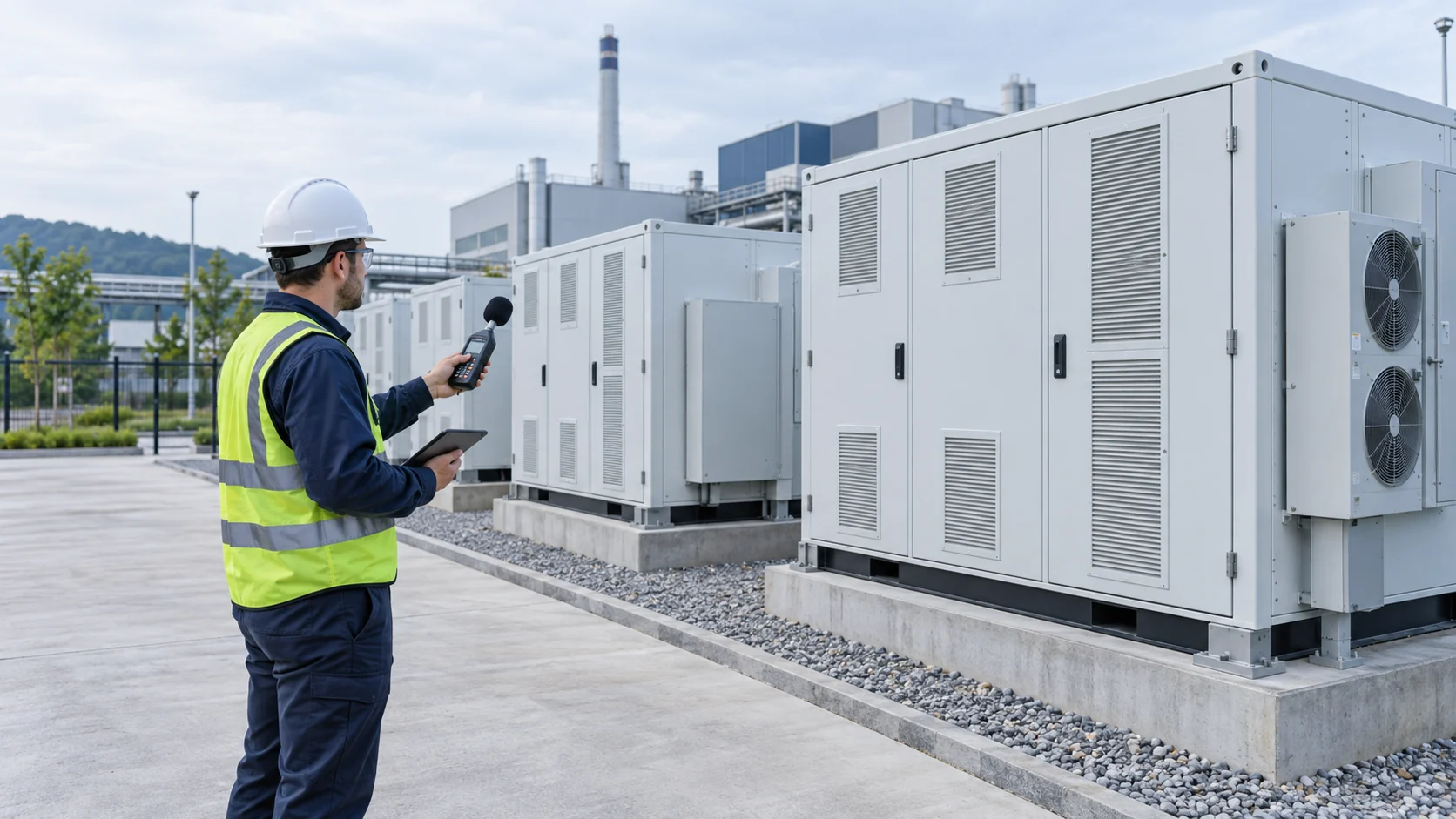
Home batteries need suitable temperature, clearance, mounting strength, cable access and service space. A wall-mounted battery may save floor space, while a floor-mounted or stacked battery may be easier to expand. Rack-mounted systems can be useful for larger residential or small commercial projects. The format should match the site rather than the other way around.
Temperature matters. Low temperature can limit charging, while high temperature can shorten service life or trigger derating. The LiFePO4 Cold-Weather Charging Checklist explains how BMS cutoff, heating and charging rules should be checked before installation in cold locations.
Make warranty and handover evidence practical
Warranty terms should state cycle life, depth of discharge, current limits, temperature limits, communication requirements and maintenance expectations. Ask what evidence is needed if a claim occurs. Logs, photos, settings screenshots and installation records can be important.
At handover, the installer should provide product labels, serial numbers, wiring photos, parameter settings, test results, user instructions, app login details where applicable and emergency shutdown instructions. The Home Battery Installation Handover Checklist gives a fuller record format.
What to send before requesting a home battery quote
Prepare the installation country, battery capacity target, inverter brand and model, solar array size, existing equipment photos, backup load list, desired runtime, indoor or outdoor placement, available wall or floor space, temperature range and estimated order quantity. If you need OEM packaging or distributor stock, include label, manual and certification requirements.
SolarStorageHub can help compare home energy storage batteries by voltage platform, inverter match, installation format and project scope. Send your project details through Contact.
For small PV input and portable charging checks, use the 600W Solar Panel Buyer Checklist before matching a panel to the battery and inverter.
Related buyer guide: Use this product-capacity guide with the broader home battery checklist before selecting a floor-mounted model. Read 5kWh Floor Mounted Solar Battery: 10kWh and 15kWh Checklist.
Related buyer guide: Home battery capacity decisions should be checked together with inverter voltage and backup output. Read Solar Battery Storage Inverter Checklist: Voltage, PV Input and Backup.
Related buyer guide: Integrated roof PV should be planned with the home battery capacity and backup target. Read Integrated Solar Roof Tiles Checklist: PV Output, Waterproofing and Storage.
Related buyer guide: Home battery capacity decisions should include usable energy, backup load behavior and installation location. Read Floor Mounted Battery Checklist: Space, Wiring and Inverter Fit.
Related buyer guide: Home battery capacity and backup expectations should be checked together with inverter output. Read Power Storage Inverter Checklist: Grid Mode, Battery Protocol and Export.
Related buyer guide: Home battery capacity should be checked with backup loads and installation conditions. Read Floor Mounted Energy Storage System Checklist: 5kWh, Wiring and Setup.
FAQ
How many kWh does a home battery need?
It depends on the load list, backup duration, solar recharge target and reserve margin. Buyers should size from usable capacity, not only nameplate kWh.
Can any LiFePO4 battery work with any hybrid inverter?
No. Voltage, BMS protocol, current limits and firmware support must be checked before purchase.
Is a floor-mounted battery better than a wall-mounted battery?
Neither is always better. Floor-mounted batteries can be easier to expand, while wall-mounted batteries can save space. The site layout decides the better format.
What should be included in a backup load list?
Include appliance name, running watts, starting watts, required operating time and whether the load must restart automatically after transfer.
Can solar panels recharge the battery during an outage?
Only if the inverter and system design support that behavior. PV size, MPPT limits, export control and battery SOC settings also matter.
What installation records should the owner keep?
Keep photos, serial numbers, wiring diagrams, inverter settings, BMS settings, test records, app access and warranty documents.
When should SolarStorageHub review the project?
Before final purchase, especially when the battery must match an existing inverter, support backup loads, meet certification needs or carry OEM/ODM branding.
Related SolarStorageHub Resources
If you are turning this article into a buying decision, compare the relevant product families and send your inverter model, target capacity, installation country, and quantity plan for confirmation.